You are holding a shape on the neck and it sounds good, and you have no idea what to call it. Or someone has written Bm7(b5) on a chart and you have no idea where to put your fingers.
Chord Analyser answers both of those, on the same screen.
Both directions
Press the notes you are playing and the app names the chord. Pick a chord by name and the app shows you where to play it. Those are the two halves of the app, and every other feature exists to serve one of them.
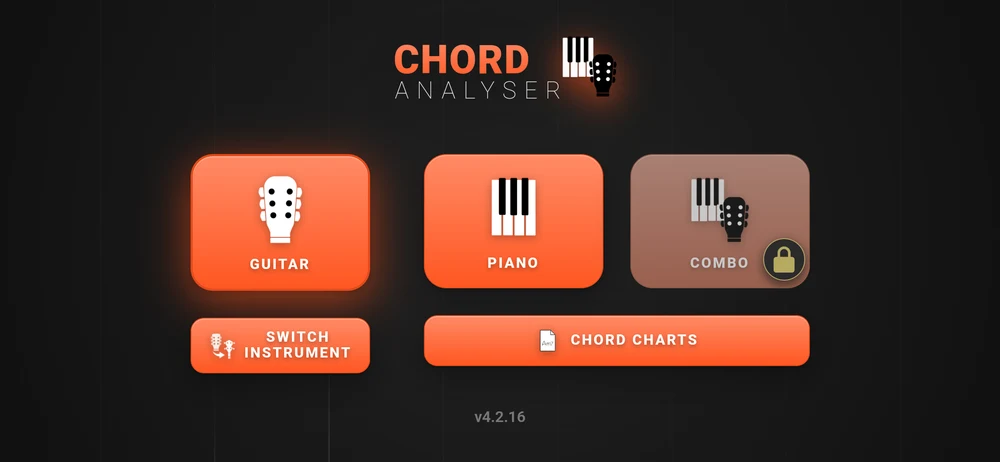
The two directions matter because musicians work in both. A guitarist finds shapes with their hands and needs a name to tell the band. A pianist reads a name and needs to know what the guitarist can actually reach. The app sits between them.
Not a fixed chord book
Most chord dictionaries are lists somebody typed out: five shapes per chord, the same five for everyone. Chord Analyser works the positions out, from the tuning you are actually in and the number of strings your instrument actually has.
That is why it can hand you a dozen playable positions for one chord instead of five, and why it still works after you have dropped your low E to D.
It also means the naming is not a lookup. The app knows about 180 chord structures, from a bare fifth to a seven note chord, on any of the twelve roots. And when the notes you played fit more than one name, it offers you the readings rather than picking one and hiding the rest.
Who it is for
Guitarists, mostly, and anyone else on a fretted instrument: banjo, mandolin, ukulele, seven-string guitar. Violin and viola players who want to see where the notes fall. Pianists who work with guitarists, and guitarists who work with pianists.
Also anyone learning how chord names are built. Tap a note in, watch the name change, and the naming system stops being arbitrary.
Landscape, and one exception
The instrument pages are landscape. A fretboard is a wide object and a phone held upright cannot show one at a useful size, so the app turns your phone for you and keeps it there.
The exception is the chord chart editor, which follows the phone. Turn it upright there and you see the whole chart at once. That is covered in Chord charts.
Free, with no ads
The app is free, there are no ads, and nothing you build is held hostage. A one-off purchase unlocks the rest: seven more instruments, open tunings, the left-handed fretboard, bookmarks, the microphone, MIDI, more than one chord chart and transposing.
The free half is a working chord dictionary for guitar, tenor banjo and piano, and a chord chart editor that exports a PDF. What exactly falls on each side is set out honestly in The free version and the full one.
Where to go next
New to the app: Your first ten minutes.
Already poking at it: Naming a chord you are playing is the half most people came for.